
EV Diagnostic Tools in South Africa: What Actually Works
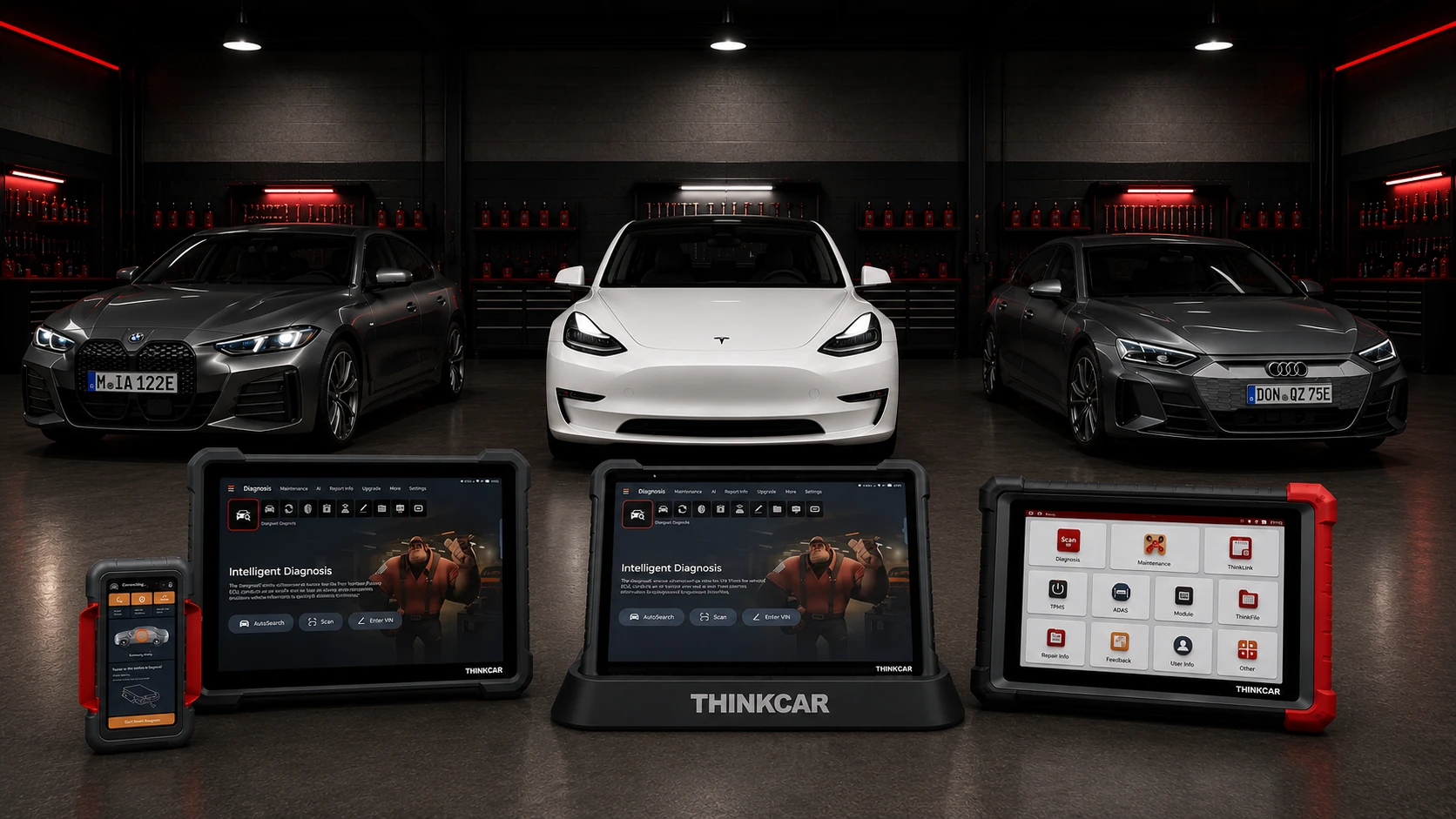
EV diagnostic tools that genuinely handle electric vehicles in South Africa — and Teslas in particular — are harder to find than you’d think, because most “EV-capable” scanners only read basic fault codes and stop at
EV diagnostic tools that genuinely handle electric vehicles in South Africa — and Teslas in particular — are harder to find than you’d think, because most “EV-capable” scanners only read basic fault codes and stop at the high-voltage system. This guide explains what’s actually different about diagnosing an EV, the specific catch with Teslas, and which tools in our range carry dedicated EV (and Tesla) software.
Electric and hybrid vehicles are a growing share of the cars coming through SA workshops. According to industry body naamsa, new-energy vehicle sales reached 16,716 units in 2025, up 7.1% year on year, making up 2.8% of the total new-vehicle market, and used hybrid and electric sales rose 73% over the same year. Whether you’re servicing them now or getting ready to, the right EV diagnostic tools are becoming essential kit.
Why EVs and Teslas need different EV diagnostic tools
A petrol car and an EV don’t speak the same diagnostic language. Three things set EVs apart:
High-voltage systems. EVs run a high-voltage battery, inverter and electric motor that a conventional scanner simply can’t read. You need software that understands the Battery Management System (BMS), motor and power electronics — not just the engine ECU that doesn’t exist on a pure EV.
Newer communication protocols. Modern EVs increasingly use DoIP (Diagnostics over Internet Protocol) and CAN FD rather than the older protocols a budget scanner supports. A tool without these can’t fully communicate with the car.
Tesla doesn’t follow the standard. This is the big one. According to Tesla’s own service documentation, Model 3 vehicles have an OBD-II J1962 port that does not support DoIP, plus a separate diagnostic port, and Model Y vehicles built from April 2024 onwards support DoIP and require an OBD-II to RJ45 Ethernet adapter. In practice, the Model 3 and Model Y are not fitted with a standard OBD-II port in the usual place — access is through a separate console/footwell connector that needs the correct adapter. Tesla’s deepest factory functions run through its own Toolbox software in Service Mode.
The takeaway: EV diagnostic tools need dedicated EV software and the right connection to be useful on these cars — and with a Tesla, you also need to know exactly what an aftermarket tool can and can’t reach.
Which EV diagnostic tools work on EVs and Teslas

Our Thinkcar/Thinktool range carries dedicated EV software, with two models including Tesla-specific software as standard:
| Tool | EV software | Tesla software | Notes |
|---|---|---|---|
| Thinktool Expert 399 (14″) | Yes – included (2-yr free update) | Yes – included | Diagnoses passenger, EV & commercial vehicles; 40+ maintenance resets; supports DoIP / CAN FD |
| Thinktool Expert 394 (12″) | Yes – included (2-yr free update) | Yes – included | Passenger + EV standard; HD software optional; 40+ resets |
| Thinktool Expert 391 (10.1″) | Optional add-on | Not specified | Supports DoIP, CAN FD, J2534; EV software an optional purchase |
| Thinktool Expert 195 (9″) | Passenger focus | — | Supports DoIP / CAN FD; strong passenger coverage, ADAS, key programming |
If EV and Tesla work is a priority, the Expert 399 and Expert 394 are the two EV diagnostic tools to look at — both ship with EV software that explicitly includes Tesla, backed by a 2-year free software update.
What these EV diagnostic tools can — and can’t — do on a Tesla
Being straight about this matters. With the correct connection, EV diagnostic tools with Tesla software can typically read and clear fault codes, display live data, and perform supported service functions across the vehicle’s systems. EV-relevant functions in the Thinktool range include High-Voltage Battery checks, Motor Angle Calibration and CCS (charging) calibration, alongside the usual brakes, TPMS, ADAS and battery-management resets.
What no aftermarket tool fully replaces is Tesla’s own factory Toolbox, which handles the most proprietary, security-gated programming and configuration. So the honest position is: a Thinktool Expert 399/394 covers the large majority of day-to-day EV and Tesla diagnostic and service work — but for certain factory-level operations, Tesla’s own system remains the reference. We’ll always confirm coverage for your specific model and year before you buy, rather than promise blanket compatibility.
Technical note: a 12V battery clamp tester (like the Thinkcar battery tester) checks the EV’s 12V auxiliary battery — not the high-voltage traction pack. High-voltage battery health is read through the diagnostic tool’s BMS data, not a clamp tester.
How to choose the right EV diagnostic tool
Regularly service EVs and want Tesla covered? The Thinktool Expert 399 (passenger + EV + commercial) or Expert 394 (passenger + EV) — both include Tesla software.
Mostly passenger cars, occasional EV? The Expert 391 with the optional EV software add-on.
Working on a specific Tesla model? Talk to us first — Tesla connection requirements differ by model and build date (especially April 2024-onward DoIP cars), so we’ll confirm the right tool and adapter for that vehicle.
Still weighing up your options? Our guide on how to choose a diagnostic scanner for your workshop walks through it in more detail.
Tell us the vehicles you service most, and we’ll match you to the right EV diagnostic tool — supplied with training and support nationwide.
Call 011 397 3073 · Visit our Germiston showroom
Share this article
A quick overview of the topics covered in this article.
Follow us
Latest articles

September 24, 2026
September 24, 2026